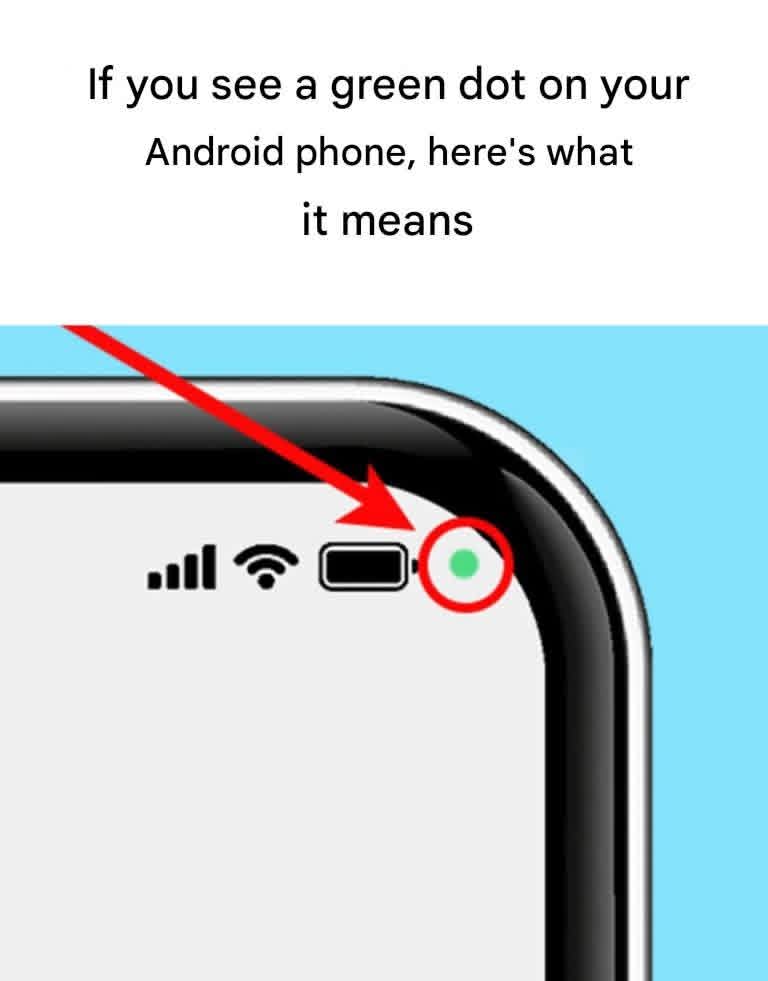
* Transparency: It forces apps to be honest about when they are listening or watching.
How to Check Which App is Using It
If you see the dot and aren’t sure why it’s there, Android makes it very easy to investigate:
* Swipe down from the top of your screen to open your Notification Shade.
* Tap the green icon (it usually expands from a dot into a small camera or microphone icon).
* A pop-up will appear telling you exactly which application is currently using the sensor.
* If you don’t recognize the app or don’t want it to have access, you can tap it to revoke its permissions immediately.
Should You Be Worried?
Most of the time, the answer is no. If you are using Instagram, WhatsApp, or the Camera app, the dot is just doing its job. However, if the dot stays on constantly while you aren’t using any apps, it’s a good idea to check your permission settings and uninstall any suspicious software.
